The Best 3D CAD Software of 2026: Free & Paid Buyer's Guide
1. Executive Summary: The Landscape of Digital Fabrication in 2026
The year 2026 marks a definitive maturation point for the Computer-Aided Design (CAD) industry, characterized by a stark yet complementary bifurcation between open-source sovereignty and proprietary automation. For the better part of two decades, the industry operated under a tacit understanding that "professional" grade work required significant capital investment in software licensing, while free tools were relegated to academic curiosity or hobbyist tinkering.
This paradigm has been effectively dismantled. The release of FreeCAD 1.0 in late 2024 and its subsequent evolution throughout 2025 and into 2026 has provided the engineering world with its first truly viable, kernel-stable, open-source parametric modeler. Simultaneously, the proprietary sector, led by Autodesk and Dassault Systèmes, has aggressively pivoted toward "Generative Intelligence"—a paradigm where Artificial Intelligence (AI) does not merely assist in drafting but actively participates in the design process through real-time simulation and automated documentation.
For the user—whether a freelance industrial designer, a manufacturing engineer at a mid-sized firm, or a "maker" operating a print farm—the choices in 2026 are richer but more complex than ever before. The decision matrix is no longer solely about feature lists; it now encompasses data ownership, hardware architecture, and operating system lifecycles.
Critical Forcing Function: Windows 10 End of Support
A critical factor in 2026 is the end of support for Windows 10. With Microsoft concluding mainstream support in October 2025, the CAD industry has synchronized its lifecycles, rendering 2026 the first year where legacy operating systems are effectively locked out of the latest software advancements. This hardware refresh cycle is driving a reconsideration of software budgets.
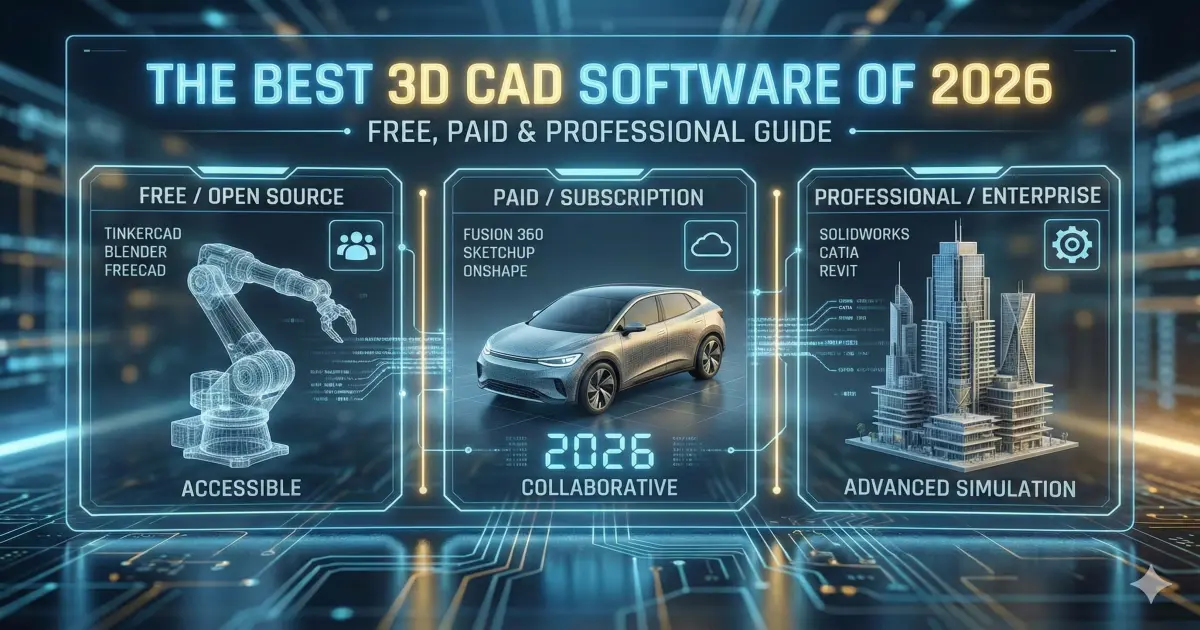
This report serves as the comprehensive "Hub Page" for 2026, dissecting the ecosystem into three functional clusters: The "Free" Section for those demanding zero-cost or open-source solutions; The "Makers" Section focusing on additive manufacturing and hobbyist workflows; and The "Pro" Section for industrial-grade precision and lifecycle management.
2. The "Free" Section: Open Source & Community Powerhouses
The "Free" cluster has historically been defined by a "time-versus-money" trade-off: users saved on licensing fees but paid with steep learning curves, instability, and a lack of interoperability. In 2026, this calculus has shifted fundamentally. The open-source community, bolstered by corporate grants and a maturing developer base, has delivered tools that challenge the hegemony of entry-level commercial CAD.
2.1 FreeCAD: The Era of Version 1.0 and Beyond
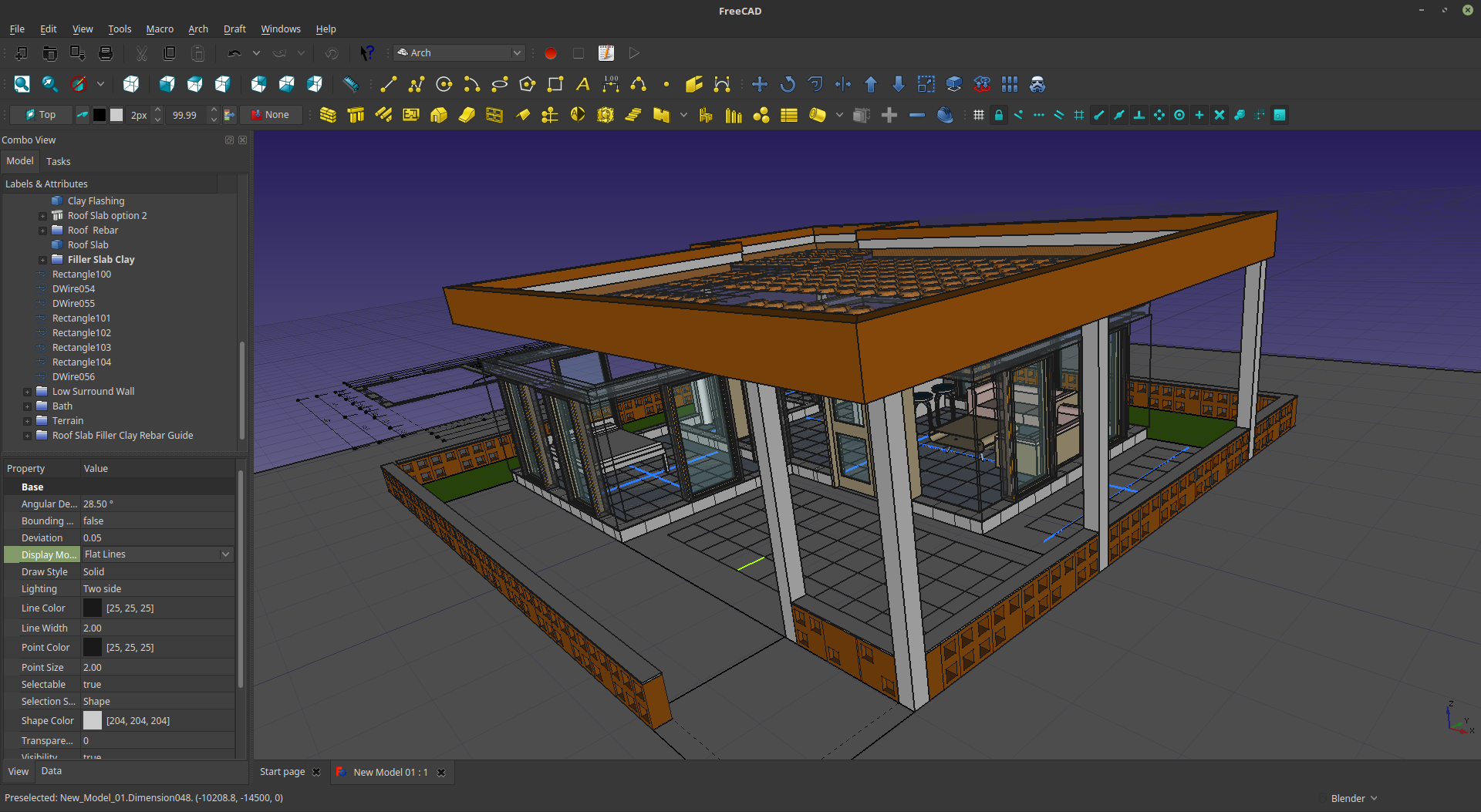
FreeCAD's journey to version 1.0 was a marathon spanning over twenty years. By 2026, the software has shed its reputation as "promising but broken" to become a cornerstone of the open engineering movement. The transition from the 0.21 development builds to the stable 1.0 release (November 18, 2024) and the subsequent updates throughout 2025 have represented a total rewriting of the software's value proposition.
2.1.1 The Mitigation of the Topological Naming Problem (TNP)
To understand the significance of FreeCAD in 2026, one must understand the "Topological Naming Problem" (TNP) that plagued its predecessors. In parametric modeling, every face, edge, and vertex is assigned an internal identifier. Historically, if a user modified a base feature—for instance, changing a cube into a cylinder—the internal IDs would change, causing downstream features to break or attach incorrectly.
The 1.0 release introduced a comprehensive mitigation algorithm that tracks geometric entities through topological changes. This technical achievement transforms FreeCAD from a direct modeler with precarious history into a robust parametric tool capable of handling complex, iterative commercial projects.
2.1.2 The Integrated Assembly Workbench
Prior to 2026, FreeCAD lacked a native assembly environment. The 2026 ecosystem is anchored by the native Integrated Assembly Workbench, which provides a unified, solver-agnostic environment.
- Bottom-Up Design: Supports traditional mechanical workflows where parts are modeled separately and constrained using mating conditions.
- Flexible Sub-Assemblies: A standout feature refined in the 2026 cycle. Sub-systems like hydraulic cylinders can be defined as "Flexible" (allowing internal movement) or "Rigid," a feature set rivaling mid-tier commercial packages.
2.1.3 Modernizing the User Experience (UI/UX)
The "Linux-like" austerity of the past has been replaced by a modern, accessible UI.
- VarSets (Variable Sets): Parameter management is centralized. Users can utilize VarSets to define global variables (e.g., WallThickness = 3mm) in a dedicated interface.
- Navigation & Interaction: Features context-sensitive Pie Menus, a redesigned Start Center, and a searchable preferences tree view. A new universal measurement tool replaces fragmented legacy tools.
2.1.4 The 2026 Roadmap: BIM and FEM
Development in 2026 is aggressive. The roadmap focuses heavily on the BIM workbench for full IFC-compliance (Revit alternative) and the FEM workbench, integrating industry-standard solvers like CalculiX directly into the interface.
2.2 Blender: The Titan of Mesh Modeling
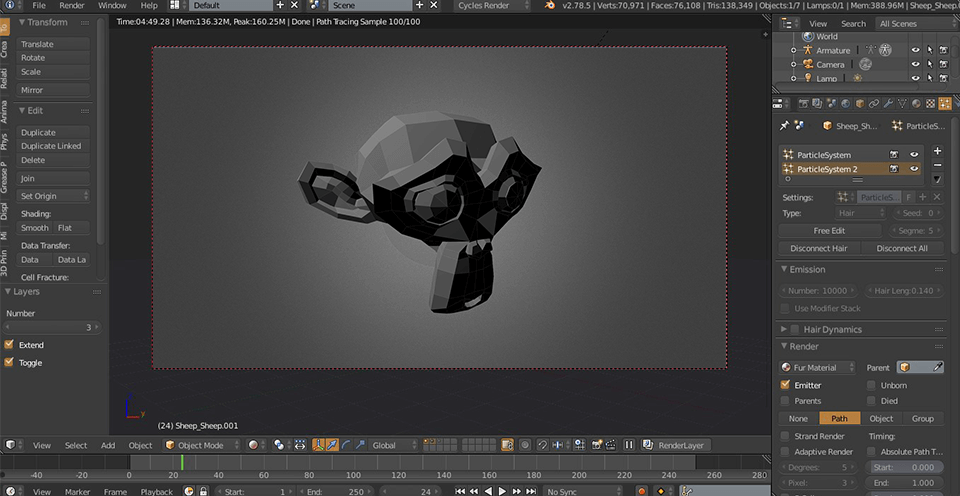
While FreeCAD conquers parametric solid modeling, Blender dominates surface and mesh modeling. In 2026, Blender is deep into the 4.x release cycle, with Blender 4.5 LTS serving as the standard.
2.2.1 Hard Surface Modeling & Non-Destructive Workflows
Blender 4.5 has refined "Hard Surface" modeling to an art form, relying on non-destructive modifiers (Booleans, Bevels, Solidify). The boolean solver is significantly faster, handling complex intersections with fewer artifacts—ideal for sci-fi and industrial concept design. Additionally, Geometry Nodes have matured into a visual programming language for building "procedural assets."
2.2.2 The "CAD Sketcher" Plugin Ecosystem
For users bridging the gap between artistic freedom and engineering precision, the CAD Sketcher plugin is essential in 2026. It implements a 2D constraint solver directly within Blender. However, it is crucial to note that the output is still a mesh (polygons), not a NURBS solid, limiting its utility for CNC machining while excelling in 3D printing.
2.2.3 Roadmap to Blender 5.0
Looking ahead to late 2026, the roadmap for Blender 5.0 promises a new physics engine and deeper integration of "Everything Nodes," potentially competing with high-end engineering CAE tools for non-critical applications.
2.3 Verdict: FreeCAD vs. Blender in 2026
| Feature | FreeCAD 1.0+ | Blender 4.5 LTS |
|---|---|---|
| Modeling Kernel | OpenCASCADE (B-Rep/NURBS) | Mesh/Subdivision (Polygons) |
| Primary Output | STEP, IGES, TechDraw (2D) | STL, OBJ, FBX, Renderings |
| Best For | Mechanical Parts, CNC | Concept Art, Sculpting |
| Parametric History | Full History Tree (Robust) | Modifier Stack (Non-destructive) |
Choose FreeCAD if you are designing parts for precision manufacturing. Choose Blender if you prioritize visual fidelity or organic forms for 3D printing.
3. The "Makers" Section: Best CAD for 3D Printing & Hobbyists
The "Makers" segment represents the democratized middle ground—users who may not be professional engineers but demand tools capable of producing functional objects. This space is dominated by Autodesk.
3.1 Tinkercad: The Gateway to 3D Design
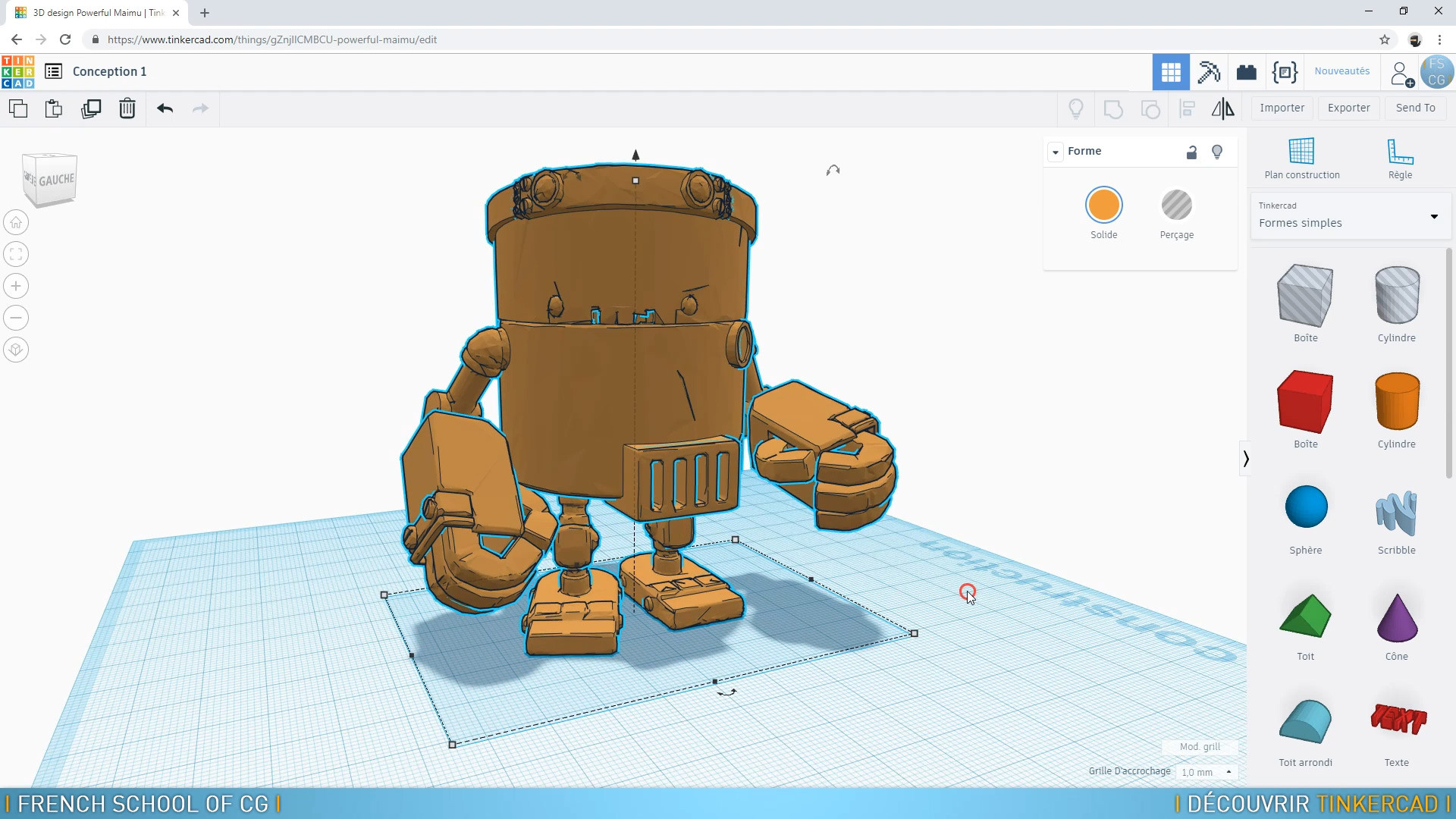
In 2026, Tinkercad has solidified its reputation as a legitimate prototyping tool for rapid ideation. Its browser-based, cloud-native architecture eliminates installation friction.
3.1.1 Evolving Beyond Blocks: Sim Lab and Codeblocks
- Sim Lab: A standout feature allowing users to apply physical properties (gravity, friction, density) to block-based designs. A maker can now simulate if a 3D-printed phone stand will tip over before printing—introducing Finite Element Analysis (FEA) in a gamified way.
- Codeblocks: Allows users to generate 3D geometry using visual programming blocks, teaching the logic of parametric design as a pedagogical bridge to Python scripting.
3.1.2 The "Send to Fusion" Workflow
Tinkercad's greatest strength is its integration. The "Send to Fusion" feature allows a seamless transition when users reach the limits of Tinkercad (e.g., needing fillets or screw threads). This preserves solid geometry without rebuilding the model.
3.2 Fusion 360: The Enthusiast's Powerhouse
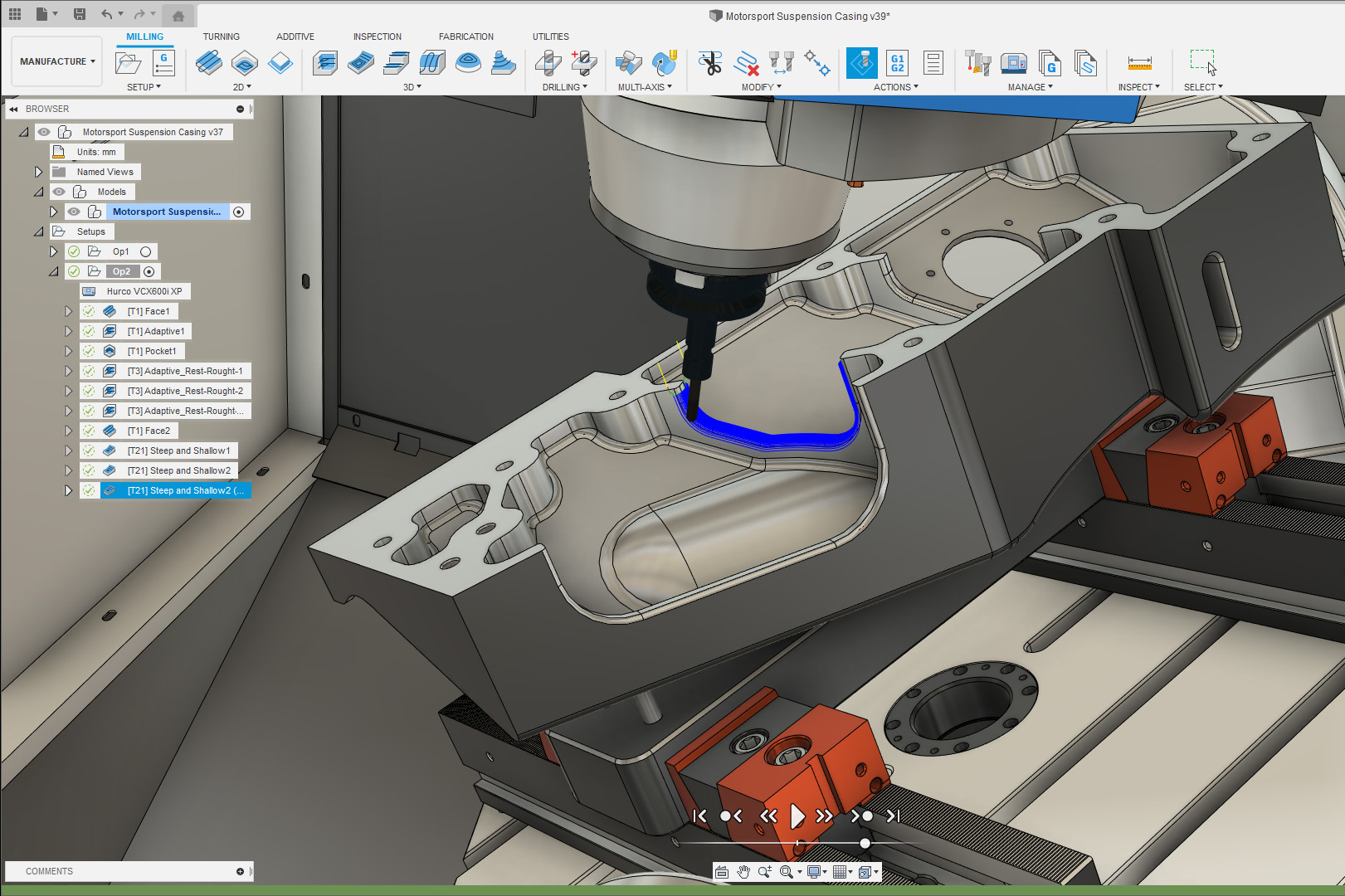
Fusion 360 (Autodesk Fusion) is the "Swiss Army Knife," combining modeling, simulation, and CAM. However, the 2026 landscape is defined by the widening gap between Personal and Commercial licenses.
3.2.1 Fusion for Personal Use in 2026: Limitations & Strategy
The Personal Use license remains available but with tightened guardrails:
- The 10-Document Limit: Users are restricted to 10 active editable documents. Archiving projects to "Read-Only" is required to open new ones, creating administrative friction.
- Manufacturing Restrictions: CAM is limited to 2, 2.5, and 3-axis milling. Rapid moves (G0) and 5-axis simultaneous machining are disabled, effectively segmenting desktop router users from industrial machine users.
- Electronics Constraints: Limited to 2 schematics and 2 signal layers (80cm² max), sufficient only for basic breakdown boards.
3.2.2 Commercial Features: Generative Intelligence
For paid subscribers, Fusion 360 in 2026 is driven by Generative Intelligence:
- Real-Time Physics ("Validate As You Design"): As a designer modifies geometry, stress distribution heatmaps update instantly. This removes the barrier between designing and analyzing.
- Cloud Collaboration: "Engineering Without Borders" allows simultaneous multi-user editing with AI conflict resolution.
3.2.3 Economic Shifts in 2026
Autodesk has implemented regional price increases (5-10%) in markets like Southeast Asia and India. Furthermore, standalone EAGLE support ends in June 2026, forcing all legacy EAGLE users to migrate fully into Fusion 360.
3.3 Verdict: Tinkercad vs. Fusion 360
| Feature | Tinkercad | Fusion 360 (Personal) |
|---|---|---|
| Learning Curve | Extremely Low (Minutes) | Moderate to High (Weeks) |
| Modeling Type | Primitive Boolean (Blocks) | Parametric History & Freeform |
| Simulations | Basic Physics (Sim Lab) | Static Stress (Paid Only) |
| Manufacturing | 3D Print (STL/OBJ) | 3D Print + CNC (2.5/3 Axis) |
Start with Tinkercad for simple fixtures or teaching. Upgrade to Fusion 360 for functional parts with tolerances, but be prepared to manage the active document limit.
4. The "Pro" Section: Industrial & Professional Standards
The professional sector in 2026 is driven by the triumvirate of Efficiency, Interoperability, and Data Management. The "Pro" user buys into an ecosystem managing the entire product lifecycle.
4.1 SolidWorks 2026: The Industrial Standard Refined
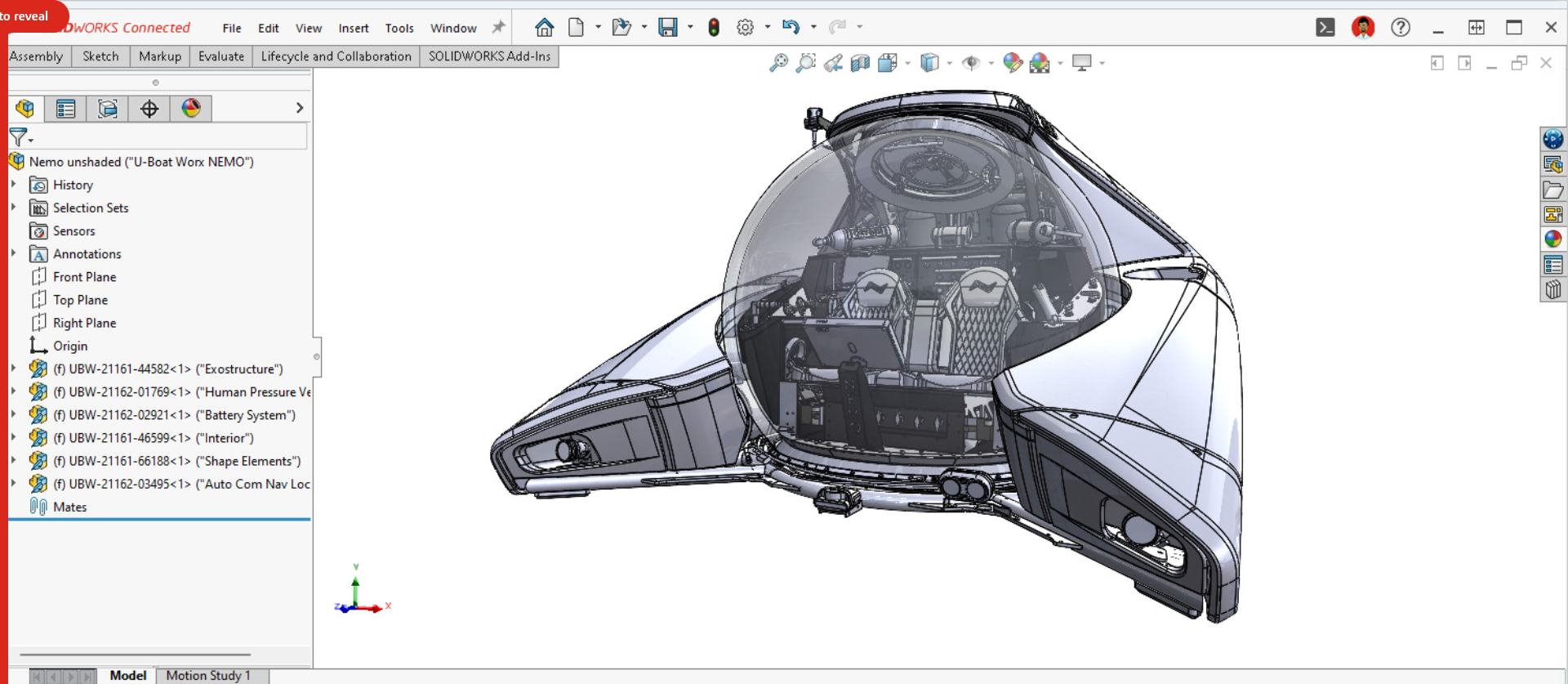
SolidWorks remains the unparalleled standard for mechanical engineering. The 2026 release (v2026) leverages AI to automate friction points.
4.1.1 AI-Driven Documentation and Detailing
SolidWorks 2026 addresses the bottleneck of 2D drawing creation with AI-Driven Drawing Generation. The software analyzes 3D geometry to identify critical features (holes, datums) and automatically generates views, dimensions, and GD&T suggestions. This can reduce drafting workloads by up to 50%.
4.1.2 Large Assembly Performance: Selective Loading
Selective Loading allows users to work on massive assemblies by fully loading only specific sub-systems (e.g., a transmission) into RAM, while the rest remains as lightweight "graphics-only" data. This enables standard workstations to handle large-scale integration.
4.1.3 The Cloud Hybrid & Licensing
Integration with the 3DEXPERIENCE platform is standard, offering "Share and Markup" features for browser-based client reviews. Regarding licensing, SolidWorks continues to push term-based models (~$2,820/year for Standard) but still services legacy perpetual licenses (>$4,000 upfront + maintenance) for those who dig for them.
4.2 Rhino 3D (Rhino 9 WIP): The Master of Form

Rhinoceros 3D occupies the vital niche of unconstrained freeform surface modeling. In 2026, the focus is on the Rhino 9 Work-In-Progress (WIP).
4.2.1 Rhino 9 Features: Bridging Mesh and NURBS
- ShrinkWrap: A game-changer for 3D printing and reverse engineering. It creates a watertight mesh around any input geometry (open surfaces, point clouds), instantly making "dirty" data printable.
- SoftTransform: Expanded to support all geometry types, allowing users to edit precise curves/surfaces with a "falloff" radius, combining NURBS precision with SubD intuition.
- Boolean Robustness: A new parallel-processing boolean engine is fault-tolerant. If 2 out of 100 operations fail, the command completes the successful 98 rather than aborting.
4.2.2 The Value Proposition
Rhino remains the "best buy" with a perpetual license model ($995 one-time). No subscriptions, no cloud tethers. It is the essential secondary tool for design firms.
4.3 AutoCAD 2026: The 2D/3D Hybrid
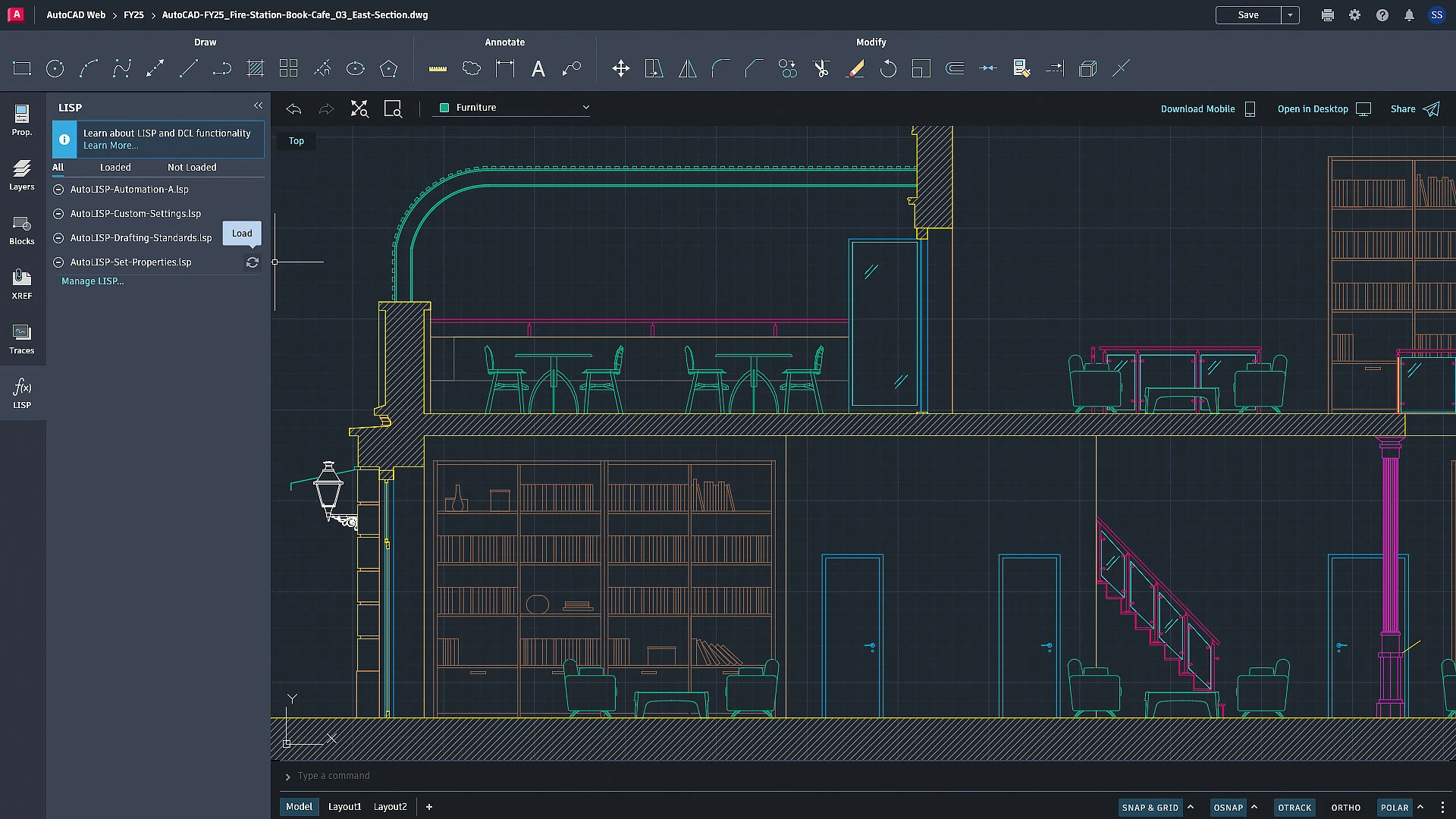
AutoCAD 2026 remains the AEC standard, reinventing itself with AI.
- Smart Blocks: The AI engine scans drawings to identify repetitive geometry (e.g., a toilet layout) and converts them into formal Blocks, reducing file size and standardizing data.
- Apple Silicon Optimization: Fully optimized for M-series chips (M3/M4 Ultra), running natively on ARM architecture with up to 2x faster performance.
4.4 Comparison: Pro Tool Selection Guide
| Feature | SolidWorks 2026 | Rhino 3D (v9 WIP) | AutoCAD 2026 |
|---|---|---|---|
| Core Strength | Parametric Engineering | Freeform Surfacing | 2D Documentation |
| Licensing | Hybrid (Term/Perpetual) | Perpetual Only | Subscription Only |
| Cost (Approx) | ~$2,820 / year | $995 (One-time) | ~$2,095 / year |
| OS Support | Windows Only | Win & Mac | Win & Mac |
5. Critical Infrastructure: Hardware & OS Requirements for 2026
Software does not exist in a vacuum. In 2026, the underlying infrastructure of CAD is facing a seismic shift due to the operating system lifecycle.
5.1 The Windows 10 "Cliff Edge"
The most critical IT factor is the End of Support (EOS) for Windows 10, effective October 14, 2025.
- The Industry Response: Major CAD vendors (SolidWorks, Fusion, AutoCAD) have aligned their support lifecycles. 2026 releases officially drop support for Windows 10.
- The Upgrade Imperative: Running 2026 software on an unsupported OS creates unacceptable security vulnerabilities and precludes technical support. Migration to Windows 11 is mandatory.
- Hardware Fallout: Windows 11 requires TPM 2.0. Many 2019-2020 workstations lack this, rendering them obsolete and necessitating hardware refreshes.
5.2 Recommended Workstation Specifications for 2026
CAD is still largely single-threaded. Clock speed is king.
Rec: Intel Core Ultra or AMD Ryzen 9000 (4.5GHz+)
16GB is obsolete. "Selective Loading" and Blender undo-stacks demand more.
Rec: 32GB Minimum; 64GB Standard
SolidWorks needs certified drivers. Blender needs raw compute.
Rec: RTX 2000 Ada (Pro) or RTX 5080 (Blender)
6. Emerging Trends: The Future of CAD Integration
6.1 Interoperability is King
The "Walled Garden" approach is eroding. 2026 sees the widespread adoption of USD (Universal Scene Description) and glTF as standard interchange formats. This allows a SolidWorks assembly to be exported to Blender for rendering, and then to NVIDIA Omniverse for simulation, with metadata intact.
6.2 The Hybrid Cloud
While FreeCAD and Rhino champion local computation (privacy/offline), the industry trend is hybrid. Fusion 360 and SolidWorks Cloud Services utilize the cloud for "burst compute"—offloading heavy tasks like Generative Design solvers or rendering to server farms, allowing lightweight laptops to perform heavy engineering tasks.
7. Conclusion: Choosing Your Tool in 2026
The "Best" software in 2026 is subjective, defined by your specific constraints of budget, freedom, and functionality.
For the "Freedom Fighter"
FreeCAD 1.0 is the definitive choice. It has matured into a reliable, professional-grade platform that respects user sovereignty. It is no longer a compromise; it is a competitor.
For the "Maker"
Fusion 360 remains the most versatile tool for the garage inventor, offering an unmatched suite of CAM and simulation tools—if you can navigate the limitations of the Personal license.
For the "Artist"
Blender 4.5 is unrivaled. When paired with the CAD Sketcher plugin, it offers a hybrid workflow that is perfect for visualization-heavy design.
For the "Industrial Pro"
SolidWorks 2026 is the engine of industry, now turbocharged with AI. It is the safe, powerful choice. However, Rhino 9 serves as the essential companion for surfacing.
As we navigate 2026, the convergence of these tools ensures that the ultimate winner is the user, empowered with the most capable digital fabrication toolkit in history.